Getting started
Running a monthly review
More sources and clients
How the numbers work
Signing off and exporting
Put the month on the record, and take the files you need.
When you are satisfied with a month, sign it off. Sign-off puts the month on the record in your name, and every export states whether the figures in it are the signed version.
Signing off
In the panel to the right of the conversation, select the sign-off button. It names the month, for example Sign off on 2026-08. The panel then shows Signed off, with your name and the date.
Signing puts the month on the record in your name. If the month is run again later and the figures change, the record's standing line says so. See The record and the rulings ledger.
Amend and Withdraw let you change or take back a sign-off. A withdrawal stays on the record.
Exports
Under Take it with you:
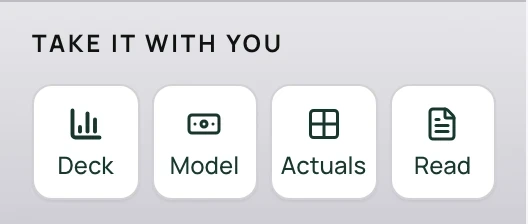
Deck | An HTML file with the month's live charts and commentary. Open it in any browser to present it. Download PDF prints one slide per landscape page, and Copy image on a chart copies it into your own slides. The charts need an internet connection to draw; offline, the tables still show. |
Model | A formula-driven Excel model built from your reviewed months. When it is ready, it is listed under Artifacts in the side panel, with a download link. |
Actuals | An Excel workbook of the month's figures. |
Read | A PDF of the month's review. |
Every export is built from the figures on screen. The workbook and the month's documents carry the record: the source, the basis, the checks, anything withheld, and the version the figures were calculated on. See The record and the rulings ledger.
Briefs
Ask for a brief in the conversation, for example Prep the brief for my review. A brief is marked as a draft until its checks pass and its decisions are settled. See The record and the rulings ledger.